Buying the wrong toner cartridge is expensive and frustrating: it doesn't fit, the printer reports an error, and you still need to print. Choosing the right one is actually simple if you follow a system. Here is the exact method we teach our wholesale customers.
Step 1: Find your printer model
Your printer model is printed on the front or top of the printer — look for something like HP LaserJet Pro M404dn, Brother HL-L2350DW, or Canon imageCLASS MF445dw. It's also on the label at the back or bottom of the device, and on the original box.
Request a quote for Toner cartridges →
Step 2: Identify the cartridge part number
Each printer uses one or more specific cartridge numbers. You can find yours in three places:
- The manual or quick-start guide that came with the printer
- The toner cartridge itself — every cartridge has its part number printed on the label (e.g. CF280A, TN-730, 054 Black)
- A quick web search: "[your printer model] toner cartridge"
Step 3: Understand cartridge types
Not all cartridges are the same shape. Know what your printer uses:
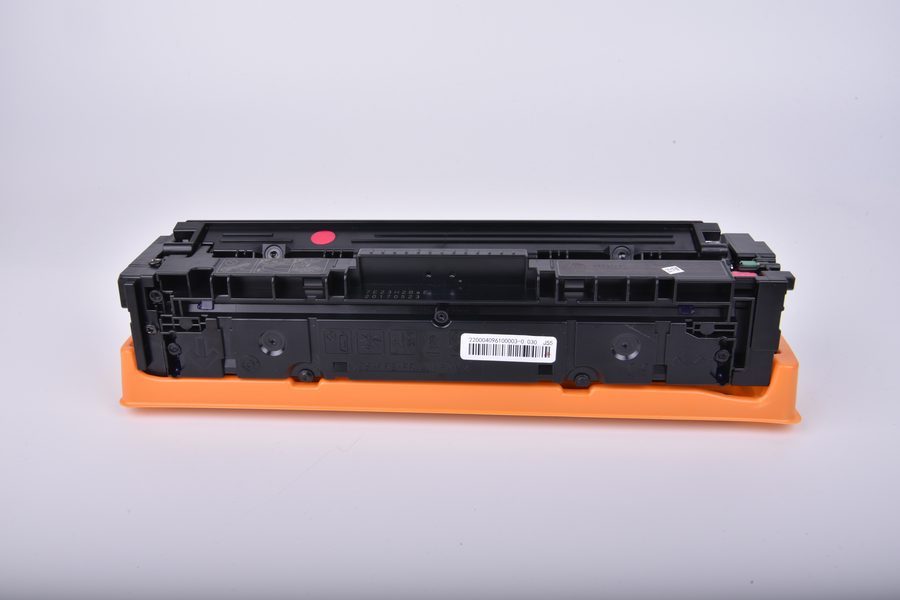
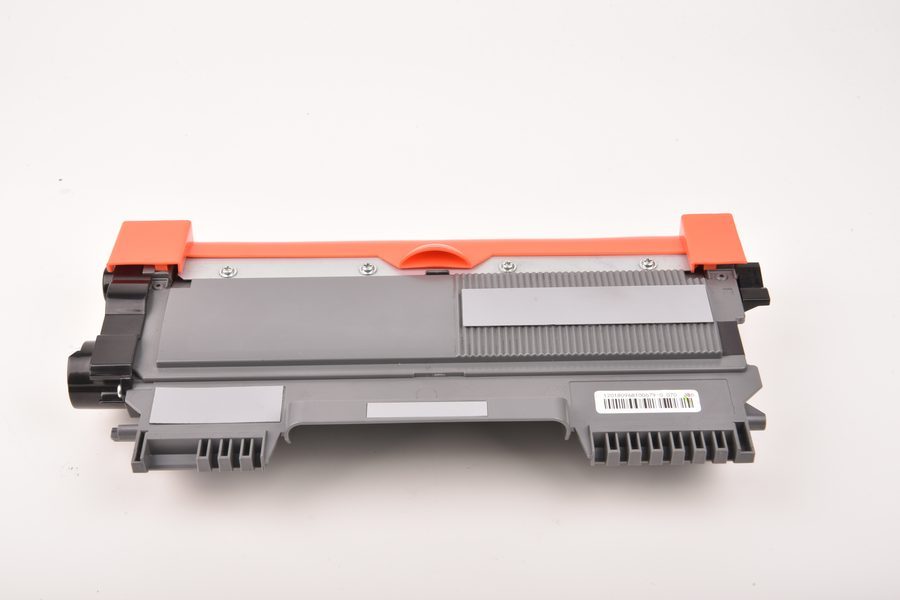
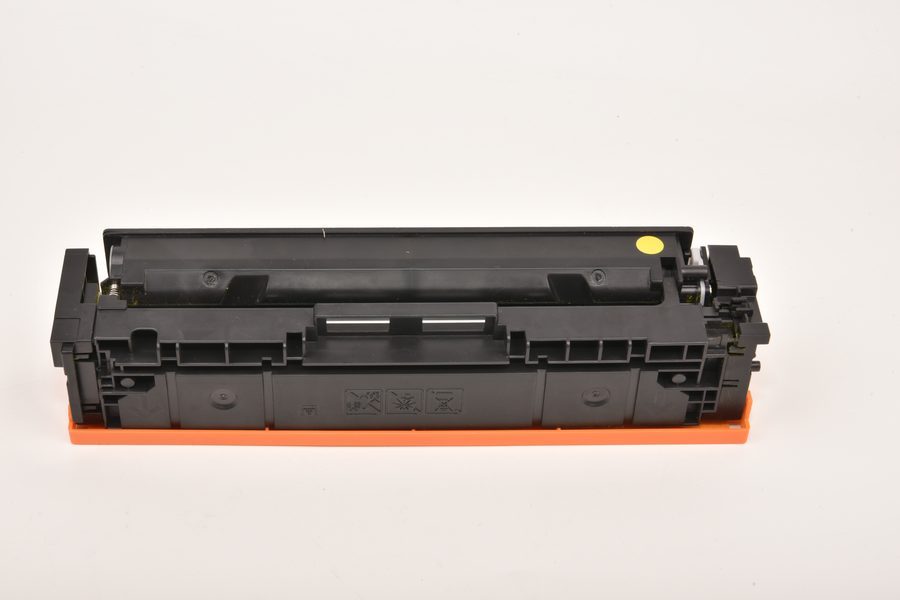
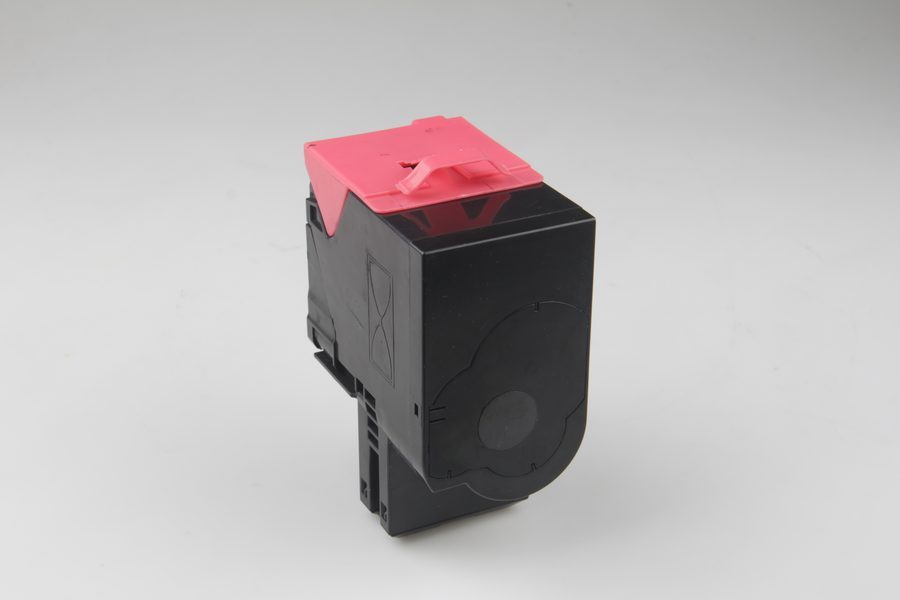
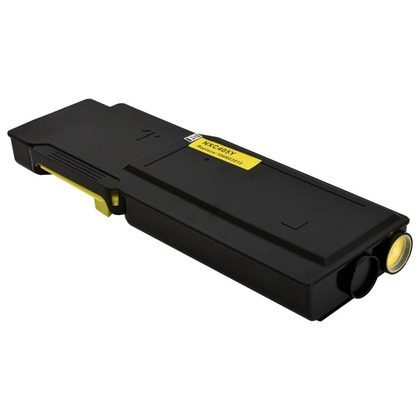
- Standard toner cartridge — the most common all-in-one (toner + drum) design for HP, Brother, Canon and Samsung lasers
- Drum unit + separate toner — used by many Brother and some HP models; you replace the toner more often, the drum every few cycles (e.g. Brother DR-620 drum + TN-730 toner)
- EcoTank ink bottles — for Epson EcoTank / HP Smart Tank refillable printers (e.g. Epson 664, HP GT53)
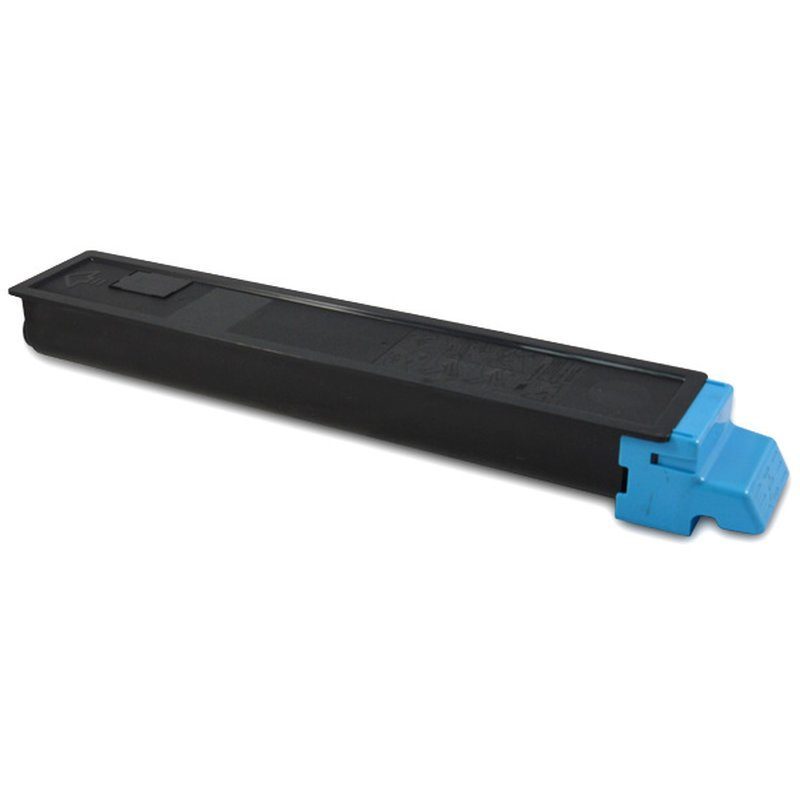
- Copier toner — for larger office copiers and production machines
Step 4: Check chip, color and yield
Three spec fields matter:
- Chip — with chip (needed by most modern printers to read toner level) or chip-free
- Color — black vs cyan/magenta/yellow for color printers
- Page yield — standard vs high-capacity (X) cartridges; high-yield costs more per unit but less per page
Step 5: Decide OEM vs compatible
Once you know the exact part number (say, CF280A), decide between the OEM original and a compatible replacement. For most offices and all wholesale buyers, a compatible cartridge from a reliable factory delivers the same performance at 30–70% lower cost. See our OEM vs compatible comparison for details.
Common mistakes to avoid
- Buying by printer brand only — always match the exact cartridge number
- Ignoring the chip — a chip-free cartridge won't work in a chip-required printer
- Forgetting color — buying black for a color slot won't print color
- Not checking the drum — if your Brother printer warns about the drum, toner alone won't fix it
Cartridges our buyers order most
Factory-direct compatible toner cartridges for the printer brands our buyers ask about most. Free sample units (buyer pays courier), OEM/ODM private label available.